
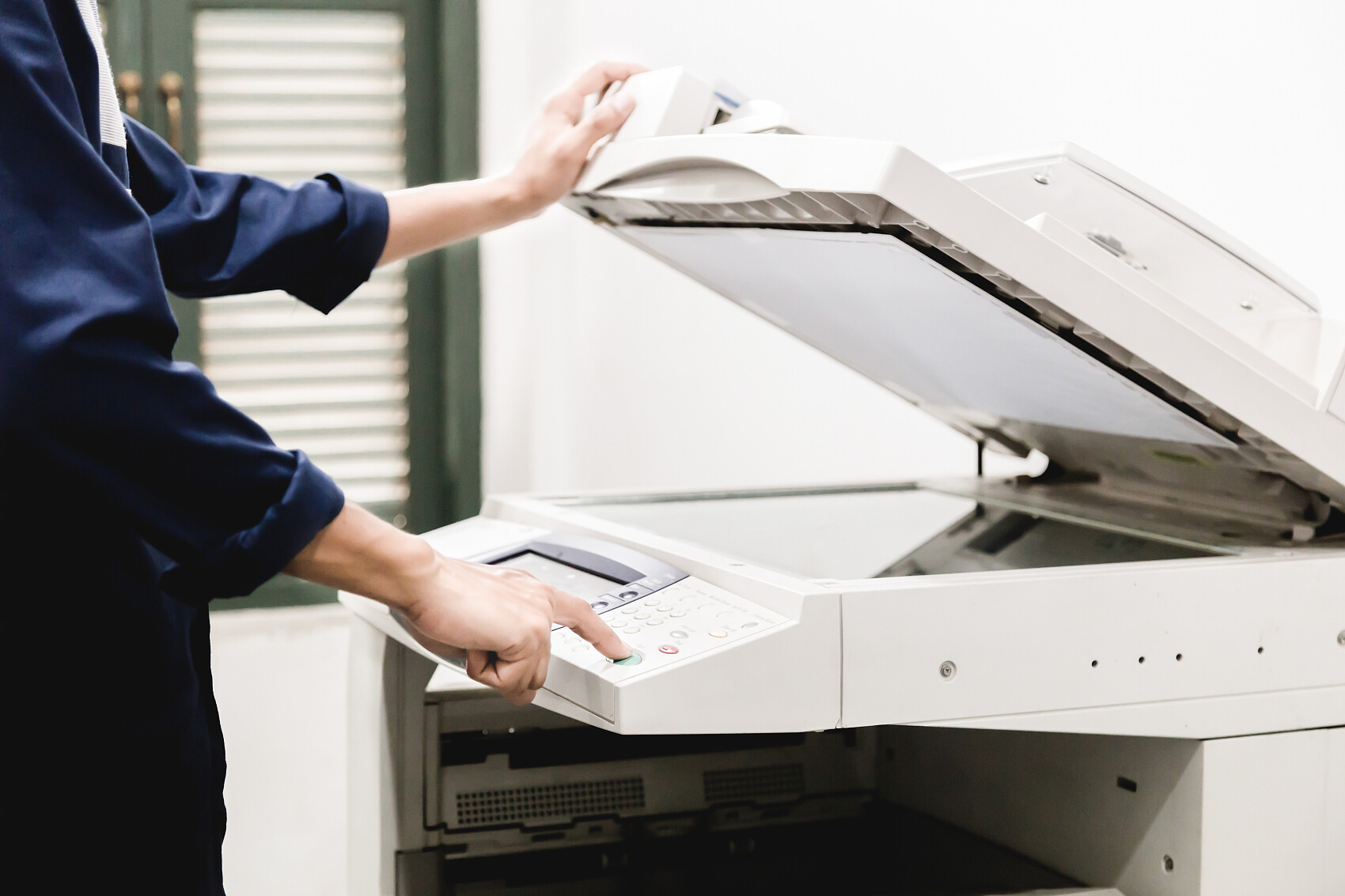
Regular copier maintenance saves money and peace of mind—say goodbye to frequent breakdowns and downtime!
In daily operations at offices, retail stores, and print shops, copiers are the most essential and heavily used equipment. From printing documents and copying contracts to scanning materials, efficient performance is critical. Yet, most users share a common issue:Use it without maintenance; repair only when broken.。
Many believe "if the machine shows no error, it doesn't need attention." However, 80% of sudden copier failures, rapid consumable depletion, and poor print quality stem from a lack of routine maintenance. While this may seem to save time and cost upfront, it ultimately leads to frequent downtime, expensive part replacements, and delayed workflows—a false economy.
Today, we'll clarify: why copiers need regular maintenance, which parts require daily upkeep, and how consistent care can help businesses save costs!
1. Why Must Copiers Receive Regular Maintenance?
Copiers are precision office machines containing dozens of delicate components such as toner cartridges, fuser assemblies, pickup rollers, sensors, and air ducts. Prolonged high-frequency use leads to dust, paper debris, and waste toner accumulation. Combined with environmental humidity and dust adhesion, these factors frequently cause various issues.
1. Prevent unexpected downtime and keep your workflow on track.
Copiers and printers are essential for daily office work and order processing. Unexpected issues like paper jams, toner leaks, blurry prints, or paper feed failures can disrupt productivity. For print shops and corporate administrative teams, these problems may delay orders and miss document submission deadlines, leading to unnecessary business losses. Regular maintenance helps identify potential issues early and reduces unexpected breakdowns at the source.
2. Drastically reduce consumable and accessory replacement costs
Many customers report that consumables run out too quickly and toner cartridges fail frequently. The root cause is lack of regular maintenance. Accumulated waste powder wears down the drum core and scratches the fuser film. Dust clogging sensors triggers false low-toner warnings and paper jams. Dirty pickup rollers lose grip, causing frequent feed errors.
Compared to the hundreds or thousands of dollars in parts replacement costs, simple daily maintenance is nearly free yet significantly extends the lifespan of core components like toner cartridges, fusers, and pickup rollers while reducing consumable waste.
3. Ensure crisp print and copy quality to elevate your office experience.
Neglected copiers often suffer from dark prints, heavy background shading, blurry text, dirty paper, and inconsistent density. Regular cleaning removes internal dust and residual toner, ensuring crisp text and clean pages every time—perfect for contracts, bids, and official documents that demand high quality.
4. Extend the overall lifespan of the device
A properly maintained photocopier typically lasts 5–8 years. However, many machines break down frequently and need to be replaced after only 3–4 years due to poor routine maintenance. Regular servicing keeps all components operating at peak performance, reduces mechanical wear and electrical failures, and maximizes the equipment's value.
II. Daily Basic Maintenance Checklist for Copiers (Simple and Easy to Operate)
Many users think maintenance is complicated. In reality, basic daily care requires no special skills. Just a few minutes each day or week are enough—even beginners can do it easily.
1. Daily exterior cleaning
Turn off the machine. Wipe the copier exterior, scan glass, and cover with a clean, lint-free cloth. Dust, fingerprints, and smudges on the scan glass are the primary causes of black spots, streaks, and blurriness in copies. Daily cleaning significantly improves copy quality.
2. Clean up debris and机身 dust (weekly)
Open the paper tray and side cover. Remove any leftover shredded paper, loose toner, and dust from the interior. Accumulated paper shreds can cause frequent jams, while dust buildup may impair heat dissipation, accelerate component aging, and lead to toner clumping due to moisture, which degrades print quality.
3. Check consumables and paper status (weekly)
Regularly check toner levels to prevent the drum from wearing out due to low-toner operation. Ensure paper is dry, free of moisture and wrinkles; damp paper can cause jams, poor fusing, and faded text while increasing error reports.
4. Core Component Dust Removal and Maintenance (Monthly)
Deep clean wear-prone components such as the pickup roller, separator pad, paper path, and waste toner container to remove accumulated residue and stubborn dust. This step is critical for preventing jams, multi-sheet feeds, and toner leaks, and is essential for extending component lifespan.
5. Keep the workspace dry and well-ventilated.
Copiers are most vulnerable to humid and dusty environments. Humidity causes toner clumping, drum moisture absorption, and paper sticking, while dust accelerates wear on internal components. To significantly reduce equipment failures, maintain a well-ventilated, dry environment and keep the device away from water sources and clutter.
3. Don't Take Chances! These Failures Result from Lack of Maintenance
Many customers ignore minor issues, which eventually escalate into major failures:
1. Minor paper jams without clearing → Frequent jams, abnormal paper feeding, and eventual wear on the pickup roller and separator, requiring part replacement.
2. Accumulated dust over time → Sensor malfunction, machine error codes, and inability to operate normally.
3. Ignoring waste toner accumulation → leaks, machine contamination, and paper soiling; damages the drum core, resulting in background haze, black spots, and streaks.
4. Neglecting core component maintenance → Fuser unit overheating and aging, unusual equipment noise, and frequent downtime requiring major repairs.
The cost of emergency repairs and part replacements far exceeds routine maintenance expenses. Moreover, the losses from work stoppages and business delays caused by unexpected failures are immeasurable.
4. Professional maintenance and premium consumables for long-term, stable equipment operation
Routine basic maintenance can prevent 80% of minor issues, whileMonthly professional deep maintenance + regular replacement of genuine consumables and partsto keep the copier in optimal condition for the long term.
As a professional provider of copier parts and consumables, we would like to remind our users:Maintenance isn't an expense—it's savings.
Regular maintenance reduces unexpected failures by 90%, cuts repair frequency and expensive part replacement costs, ensures print quality, boosts office productivity, and extends equipment lifespan—so your machine delivers reliable performance for years.
If you don't have time for DIY maintenance, lack expertise in professional servicing, or need high-quality consumables and components—including toner cartridges, drums, pick-up rollers, fuser units, and more—contact us anytime. We provideProfessional equipment maintenance consulting, consumable and accessory compatibility, and troubleshooting guidance.Reduce wear, ensure stable operation, and cut costs for your copier!